
Ecommerce Web Design South Africa
Online stores designed around your products, your customers and the way you do business.
We design and develop custom ecommerce websites for South African businesses using WordPress and WooCommerce. From straightforward online shops to more complex product catalogues, we focus on making it easy for customers to find what they need, make a decision and complete their purchase.
Ecommerce that works for customers and for you
The Customer
For your customers, it needs to make browsing and buying as simple as possible. Products should be easy to find, options should make sense, and there should be as little friction as possible between deciding to buy and completing checkout.
The Owner
For you, it needs to be manageable. Adding products, changing prices, processing orders and updating content shouldn’t require calling a developer every time something changes.
Why WooCommerce?
What sets our ecommerce websites apart
Designed for your store
Easy product discovery
Responsive by design
Frictionless checkout
Built for performance
Easy to manage
How we approach ecommerce web design
Understand the store
Structure the catalogue
Design the shopping experience
Build in WordPress and WooCommerce
Test the details
Hand it over
Ecommerce functionality, without the kitchen sink
Product management
Payments
Shipping
Product filtering
Coupons and promotions
Order management
Transactional emails
SEO foundations
More than the shop
What does an ecommerce website cost in South Africa?
Ecommerce web design FAQs
Do you use Shopify?
Our ecommerce development is primarily based on WordPress and WooCommerce. We choose it because it gives us considerable control over design, content and functionality without tying the website to a proprietary hosted platform.
Can you redesign an existing WooCommerce website?
Yes. Depending on the condition of the existing site, we can either redesign and rebuild it or retain parts of the existing WooCommerce setup where doing so makes sense.
Can I manage products myself?
Yes. Day-to-day tasks such as adding and editing products, changing prices, managing stock and processing orders are handled through the WordPress/WooCommerce dashboard.
Can you add products for me?
We can include initial product population or migration in the project scope. For large catalogues, we’ll normally look for the most efficient way to import existing product data rather than manually recreating every product.
Do you provide ecommerce SEO?
We build the technical and on-page foundations needed for search optimisation. Broader SEO strategy, keyword research and ongoing content optimisation can be scoped separately where required.
Do you only work with businesses in Cape Town?
No. We’re based in the Western Cape and work with businesses throughout South Africa and the world. The entire design and development process can be handled remotely.
What you get in the box
Exquisite bespoke WordPress web design prototypes
Our designers deliver premium quality, bespoke WordPress web design prototypes (mockups) which deliver your message, engage your audience and convert them to your product or service offering.
A pixel perfect, responsive WordPress website
Our WordPress websites are built using best-in-class tools such as such as Bricks, and the Crocoblock suite of tools. We pay great attention to details such as micro-interactions, subtle animations, and fluid responsiveness across all types of devices.
An easy-to-use content management system
A content management system (CMS) is what allows you to add to or edit your website. WordPress is the world’s most popular content management system.
Custom manual
We create a simple manual for the usage of your specific website, covering logging in, finding your way around the dashboard, and managing content such as posts, pages, media, and menus.
Personal training
As part of the standard package we also give an hour or two of personalised training, either face to face, or via phone, video, and / or screen sharing. More training can be arranged as-needed as part of a maintenance agreement.
Maintenance
Our WordPress maintenance services cater to the diverse needs of websites, recognising that not all require constant attention. Simple brochure-type websites may only need maintenance every 6 months, while those with higher exposure and risk profiles may benefit from monthly upkeep. Our comprehensive maintenance tasks include plugin updates, security checks, regular backups, performance optimisation, content updates, and ensuring overall website functionality.
Security plugins
As well as following sound security practices as a matter of course, for most WordPress websites we also install and set up WordFence and Sucuri plugins. These plugins have complementary sets of security enhancements, and work well together to keep most sites secure.
Backups
We always install BackupBuddy, which creates a .zip of the entire website which can easily be restored in the case of a security breach or any other scenario where the website has been compromised. If needed, BackupBuddy can be set to automatically create backups, and send them to an offsite destination, such as DropBox or similar.
Updates
Often overlooked, regular updates are crucial for maintaining the security of a website. The frequency of these updates should be tailored to the specific risk profile of your website.
Optimisation and performance
A slow website causes people to leave, whereas a fast website will keep your visitors engaged. A fast website not only feels really great to use, but site speed is also a primary search engine ranking factor for the same reason.
Hosting
We select a web host that is best suited for your particular needs. For South African clients we generally recommend Xneelo. For websites with an international reach we may recommend a managed WordPress host such as Hostinger, SiteGround, or WP Engine. We help you create your hosting account or create it for you, and when setting up your website we deal with the hosting company on your behalf.
Image optimisation
We optimise all images on the website using ImageOptim, which greatly reduces image size while retaining quality. Automated solutions such as WP Smush are suitable for websites which are regularly updated with images. Optimised images make a huge difference to the speed and user experience of a website.
Caching
We install and configure a caching plugin such as WP Rocket which serves a static copy of the website which frees up the load on the database to ensure a very fast-loading site.
Ready to start selling online?
Whether you’re launching a new online store or replacing one that has become difficult to use or manage, tell us a little about the business, your products and what you need the website to do.
Featured articles
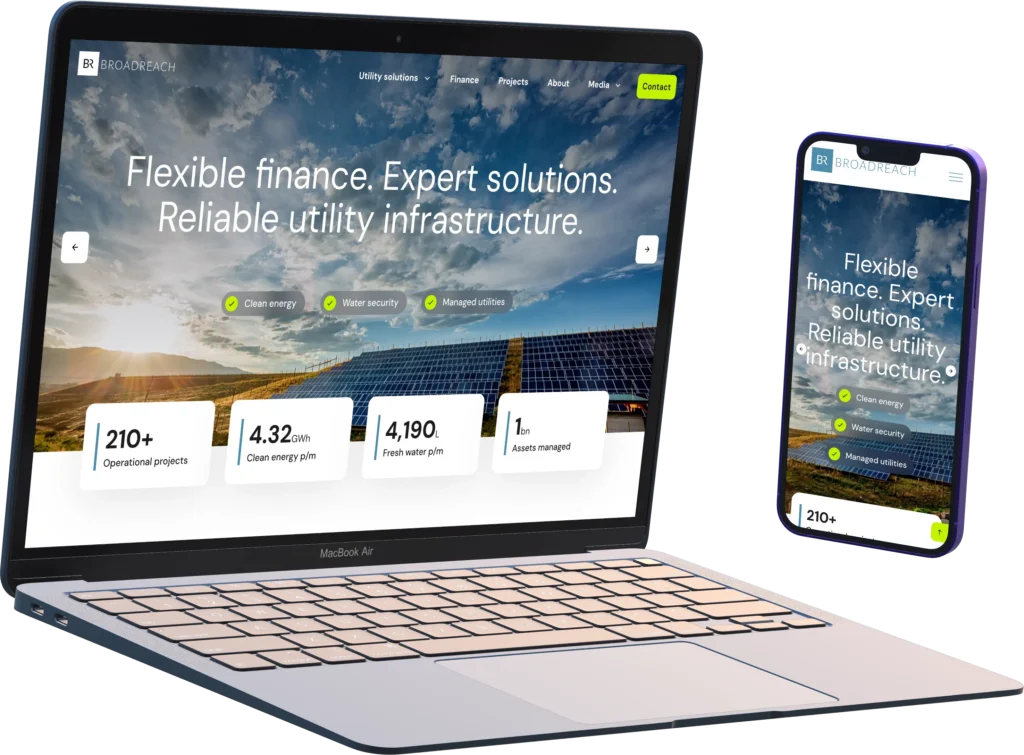
Case Study: Broadreach Energy
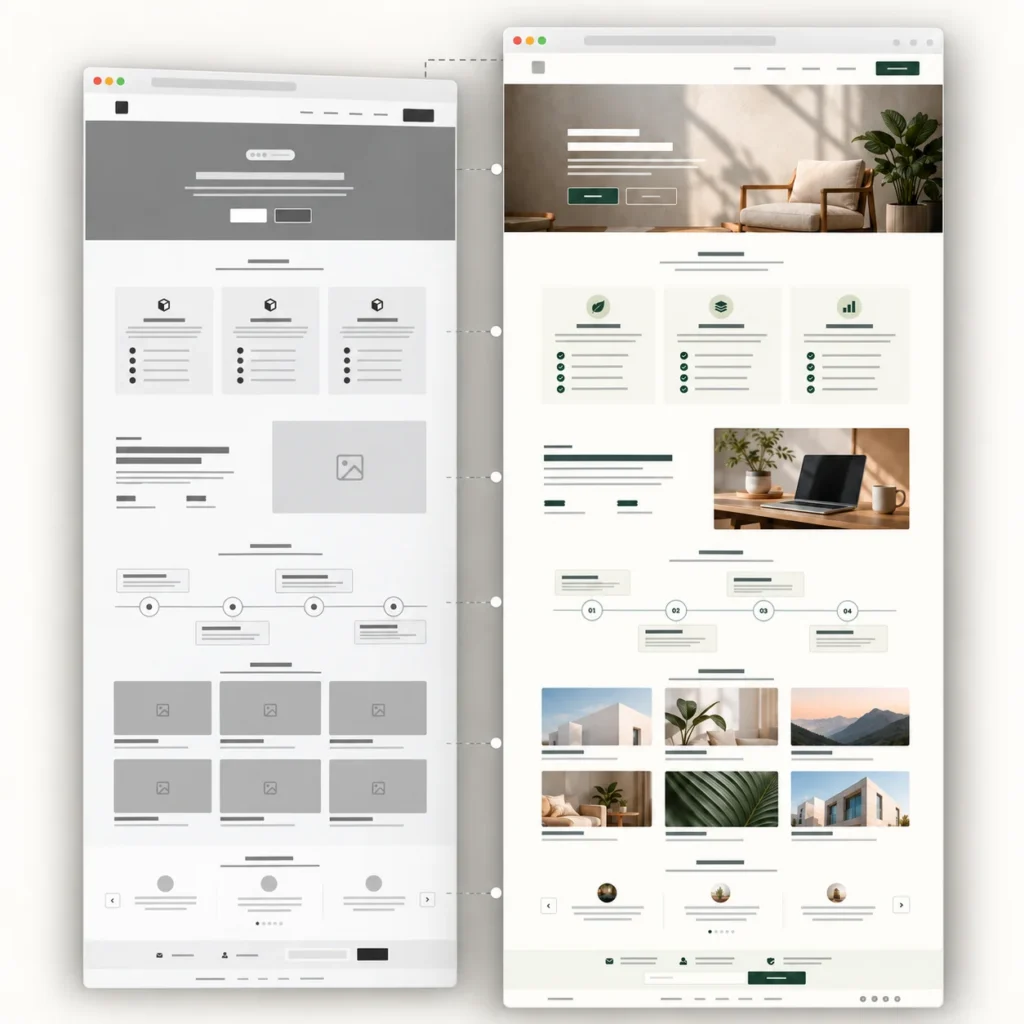
How Your Website Takes Shape: From Wireframe to Launch

Case Study: Guardian Validator

Case Study: Voetspore Rentals

Case Study: Henlo Coffee website
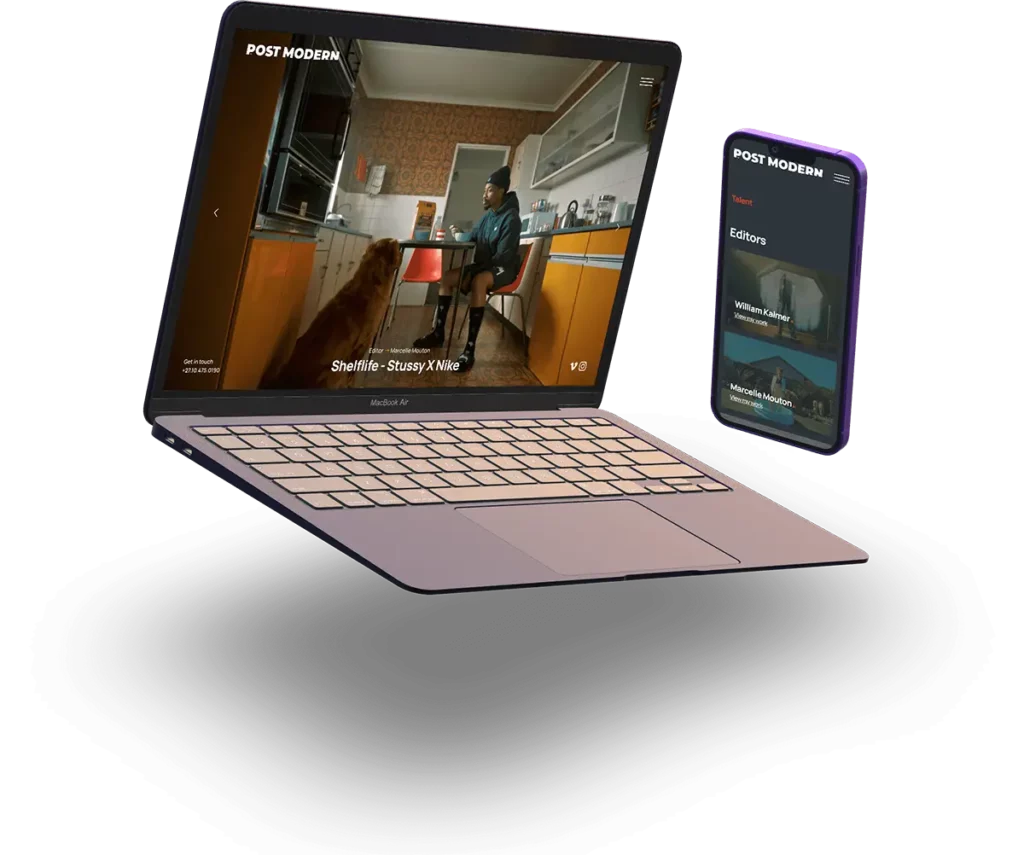
Case Study: PostModern Studios
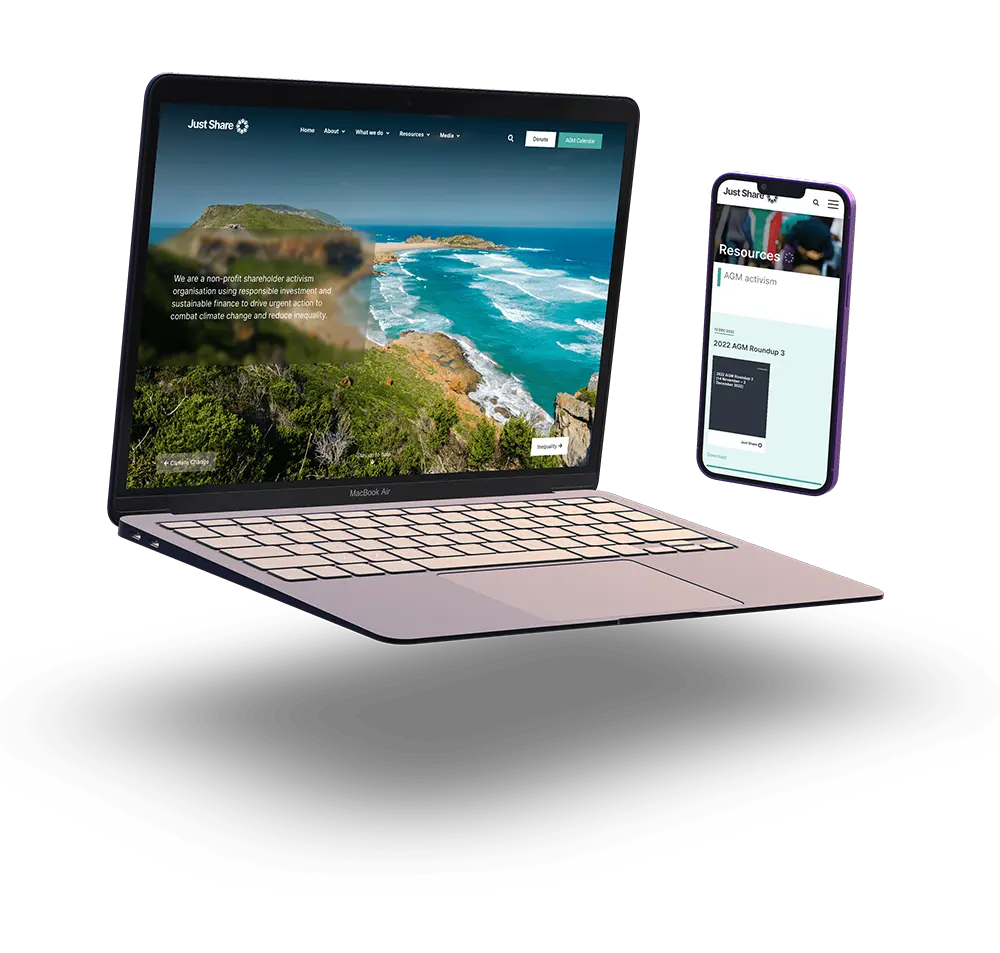
Case Study: Just Share website
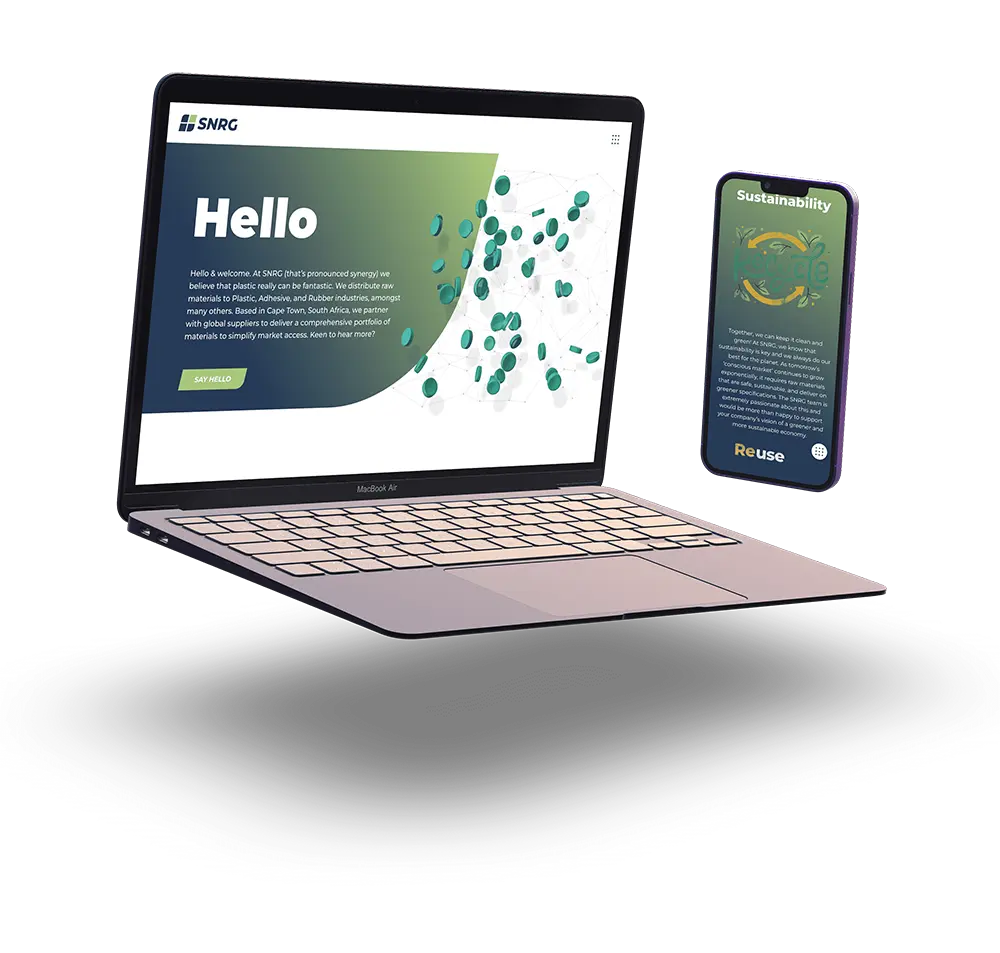
Case Study: SNRG (Pty) Ltd

Bricks vs Elementor: Why we switched to Bricks Builder
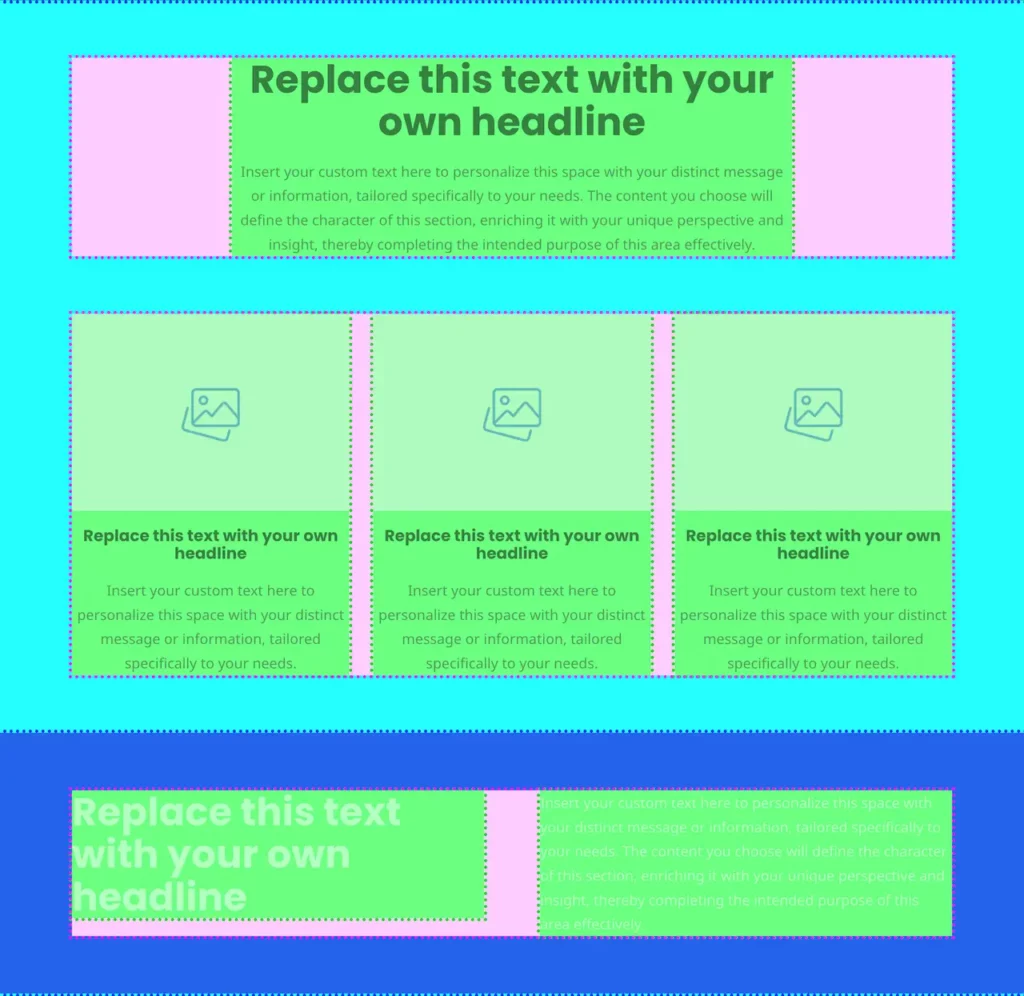
Web page layout – with CSS flexbox and Bricks

Responsive Fluid Sizing System using CSS Clamp
